![logo-pie.png]](https://soporte.tiralineas.digital/hs-fs/hubfs/WEB-nueva/logo-pie.png?height=40&name=logo-pie.png)
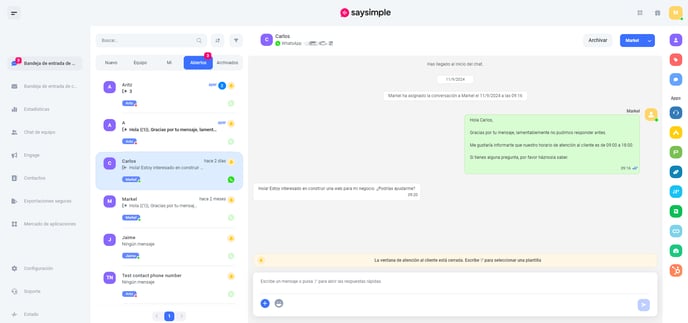
- From a Saysimple conversation (Saysimple > Inbox > Conversation), open the HubSpot app by clicking on the icon in the right sidebar menu.
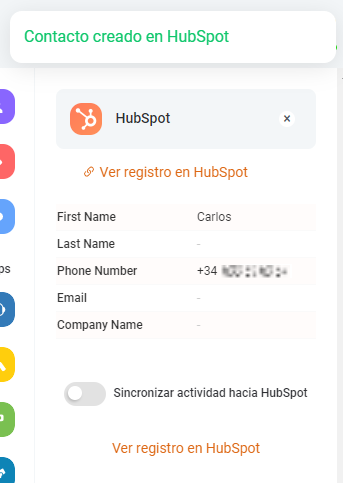
2. Select the "Sync Activity to HubSpot" option.
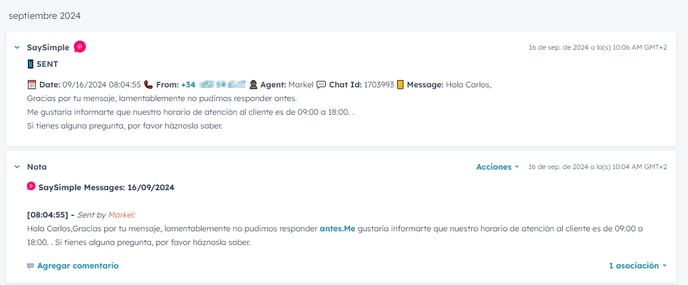
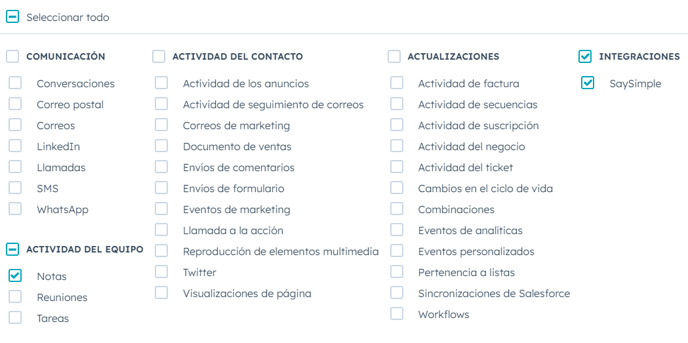
3. The messages will be logged in the HubSpot contact record as "Notes" and activity events.